


Best Pilates Studio Software for Bookings and Payments
I do not sell software. I sell reformers, which means I turn up at studios on the day they open and then again a year later, and I end up hearing about the booking system whether I want to or not.
What I have learned from that is that studio owners almost never complain about features. Nobody has ever told me their software could not do something they needed. What they complain about is being stuck, and being stuck is a decision you make on day one without realising it.
So this is a slightly different version of this article. The platforms are here, but the part I actually want you to read is further down.

In this article
The real problem is getting stuck
Every one of these platforms will take a booking, charge a card and send a reminder. That is table stakes and it has been for years. Choosing on features is choosing on the thing that does not vary.
What varies enormously is how easy it is to leave. Your client list, their booking history, their remaining class packs and their stored payment details are the business. If those live somewhere you cannot get them out of cleanly, you no longer have a software choice, you have a landlord.
This is not a hypothetical. It is the single most common thing I hear from studio owners 18 months in, and it is always described the same way, as putting up with something because moving is too painful.
The 5 platforms worth looking at
These are the ones Australian Pilates studios actually run on, in my experience. Pricing changes often enough that I am not going to quote it, so check current rates directly.
Acuity Scheduling
Acuity Scheduling is owned by Squarespace and is the simplest thing on this list. Clean interface, quick to set up, integrates with Stripe and Google Calendar without drama.
It is built around appointments rather than classes, which is the thing to be clear on. If you teach 1 to 1 reformer sessions or small groups it is excellent and probably cheaper than everything else here. If your business is a timetable of group classes with waitlists and class packs, you will outgrow it.
Best for: solo instructors and studios doing mostly private sessions.
Mindbody
Mindbody is the incumbent and the one everybody has heard of. Scheduling, memberships, a client app, marketing automation, reporting, and a marketplace that puts you in front of people searching for classes in your area.
That marketplace is the genuine argument for it and the genuine argument against it. It brings you clients who were not looking for you specifically, which is real value, and it also trains your clients to think of themselves as customers of Mindbody rather than of your studio. Owners feel differently about that trade depending on how established they are.
It is also the heaviest option here, in price and in learning curve.
Best for: established studios with several instructors and enough volume to use the marketing tools.
Momence
Momence is the one I hear the most enthusiasm about from newer studios. Good interface, strong analytics on retention and class popularity, built in email marketing, and it handles on demand video if you sell recorded content.
The retention reporting is the part worth caring about, because knowing who has quietly stopped coming is the highest value thing your software can tell you and most platforms bury it.
Best for: studios that want to run marketing out of the same system and care about the numbers behind retention.
Gymdesk
Gymdesk is the straightforward one. Fast to set up, easy to learn, a branded member portal and payments that work without configuration. Less powerful than Mindbody or Momence and considerably less annoying.
If technology is not your strength and you want something running this week, this is the one I would look at first.
Best for: smaller studios, and anyone who has been put off by how much there is to learn elsewhere.
Vagaro
Vagaro covers more ground than the others, with point of sale, payroll and website building alongside the booking side. The point of sale piece is the differentiator.
If you sell anything physical in the studio, grip socks, bands, ankle weights, water bottles, having retail and bookings in one system rather than two is a real saving in admin. If you sell nothing, that breadth is weight you are carrying for no reason.
Best for: studios with a retail corner.
How to actually choose
- Start with your timetable, not the feature list. Count your weekly classes, your private sessions and your instructors. A studio running 6 classes a week needs a different tool from one running 40, and the smaller one is usually overspending.
- Decide whether you want the marketplace. Being listed where people search for classes brings new clients. It also means your clients belong slightly less to you. That is a positioning decision, not a software one, and it is worth making deliberately.
- Test it on a phone, as a client. Book a class on your own system from your own phone and time it. If it takes more than about 30 seconds or asks for an account before it asks for a class, you will lose bookings to that friction forever.
- Ask about leaving before you ask about anything else. Covered below, and it is the question that matters most.
What to ask in the demo
Sales demos are designed to show you the good screens. These are the questions that get you the rest.
What exactly can I export, and in what format. Not "can I export my data", which always gets a yes. Ask specifically for client contact details, full booking history, outstanding class pack balances and membership status, and ask whether it comes as a usable file or a support ticket.
What happens to stored card details if I leave. Usually they cannot come with you, which means every client has to re enter their card at the new provider. That is the step where you lose people, and it is the real cost of switching.
Am I on a contract, and what is the notice period. Monthly is worth paying more for in year one.
What does support look like from Australia. A platform whose support team is asleep during your Saturday morning classes is a different product from the one you saw in the demo.
Show me the report that tells me who has stopped coming. If they have to go looking for it, it is not a priority for them, and it should be one of yours.

The Australian specifics
Most of these platforms are built for the United States first, and a few things follow from that.
Check which payment methods it actually supports here rather than in general. Card and direct debit are a given. Buy now pay later is not, and it matters more in fitness than in most categories, so ask specifically rather than assuming.
Check how it handles GST on invoices and receipts, and whether the reporting exports in a shape your accountant or your bookkeeping software will accept without manual work.
Check the payout timing to an Australian bank account, because a platform holding funds for a week is a cash flow problem in your first year.
And check whether support hours overlap with the hours you teach. Weekend mornings are when studio software problems are most expensive.
If you are already unhappy
Switching is less painful than it looks, but only if you sequence it properly.
Export everything first, while you are still a paying customer and support still answers quickly. Do not cancel and then try to get your data.
Move at the quietest point in your year, and run both systems for 2 weeks rather than cutting over on a Monday.
Tell clients before they discover it, and be direct that they will need to add their card again. Framed as a heads up it is a minor inconvenience. Discovered at the point of booking, it is a reason to try the studio down the road.
A Note From Ayrah
I watched a studio stay on software they openly disliked for 2 years, and the reason was not inertia.
Every time I delivered or serviced a machine there the owner would say something about the booking system, always the same tone, the way you talk about a leaking tap you have stopped noticing. Eventually I asked why they did not move.
The answer was that they could get a list of names and emails out, and nothing else. No booking history, no record of how many classes each person had left on their packs, and obviously no card details. So moving meant asking 300 people to tell them how many sessions they were owed and then trusting the answers, plus asking all 300 to re enter a card.
They had done the maths and decided that would cost them more clients than staying put. They were probably right.
Nobody asks about this at the start, because when you are opening you are thinking about how to get clients in, not how to get their data out. It takes one question in a demo, right at the beginning, and it is worth more than every feature comparison you will read this month, including this one.
Once the admin is sorted
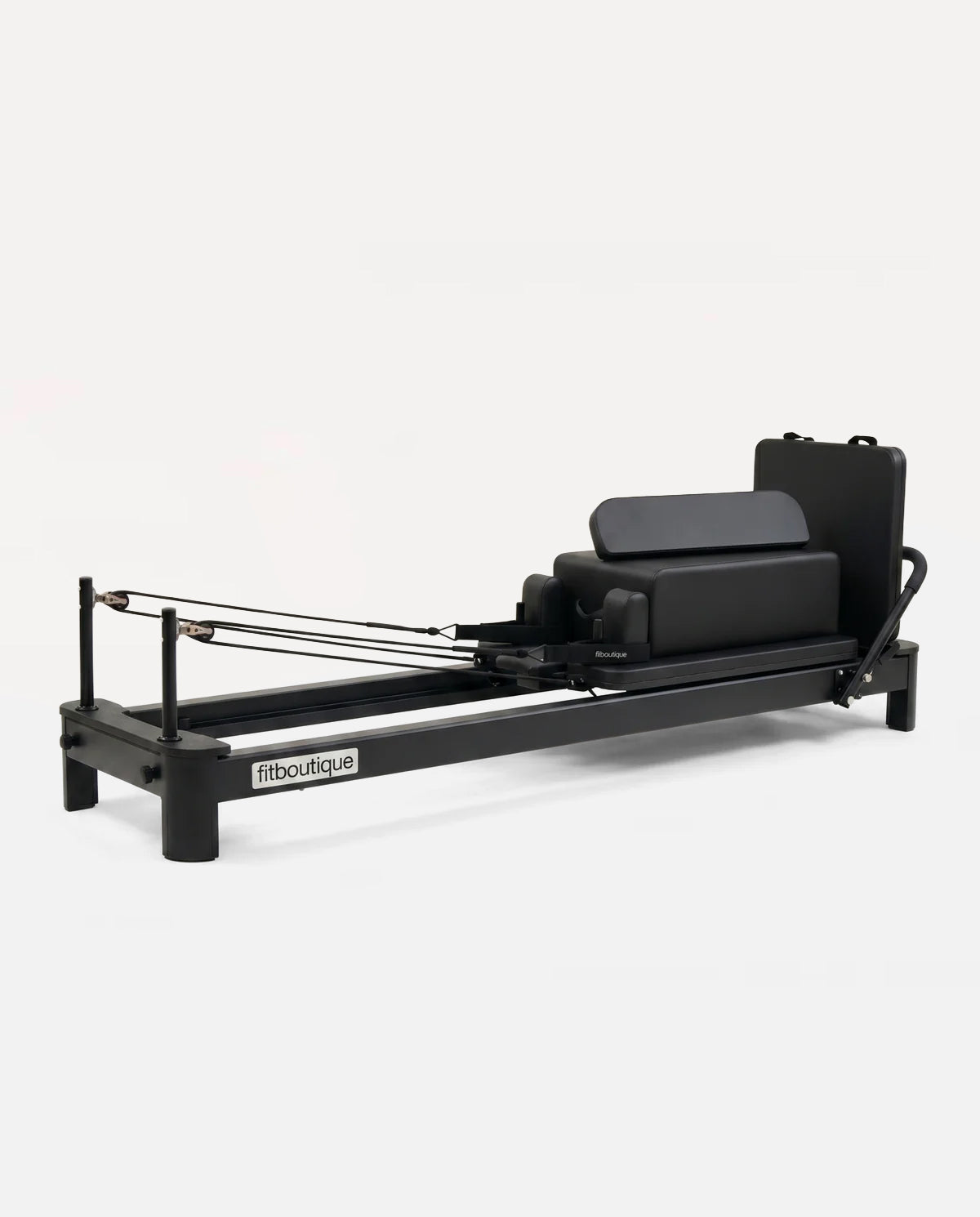
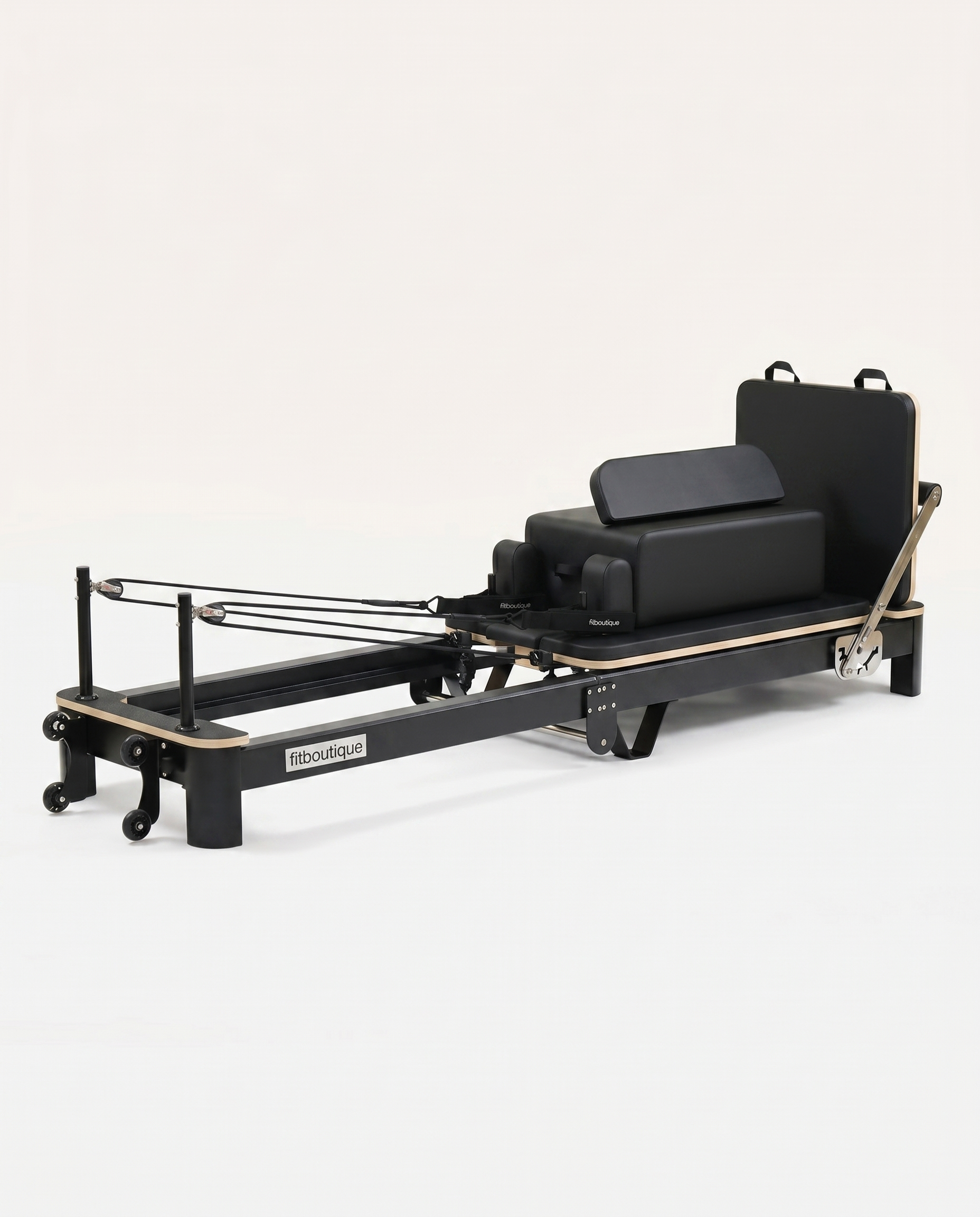
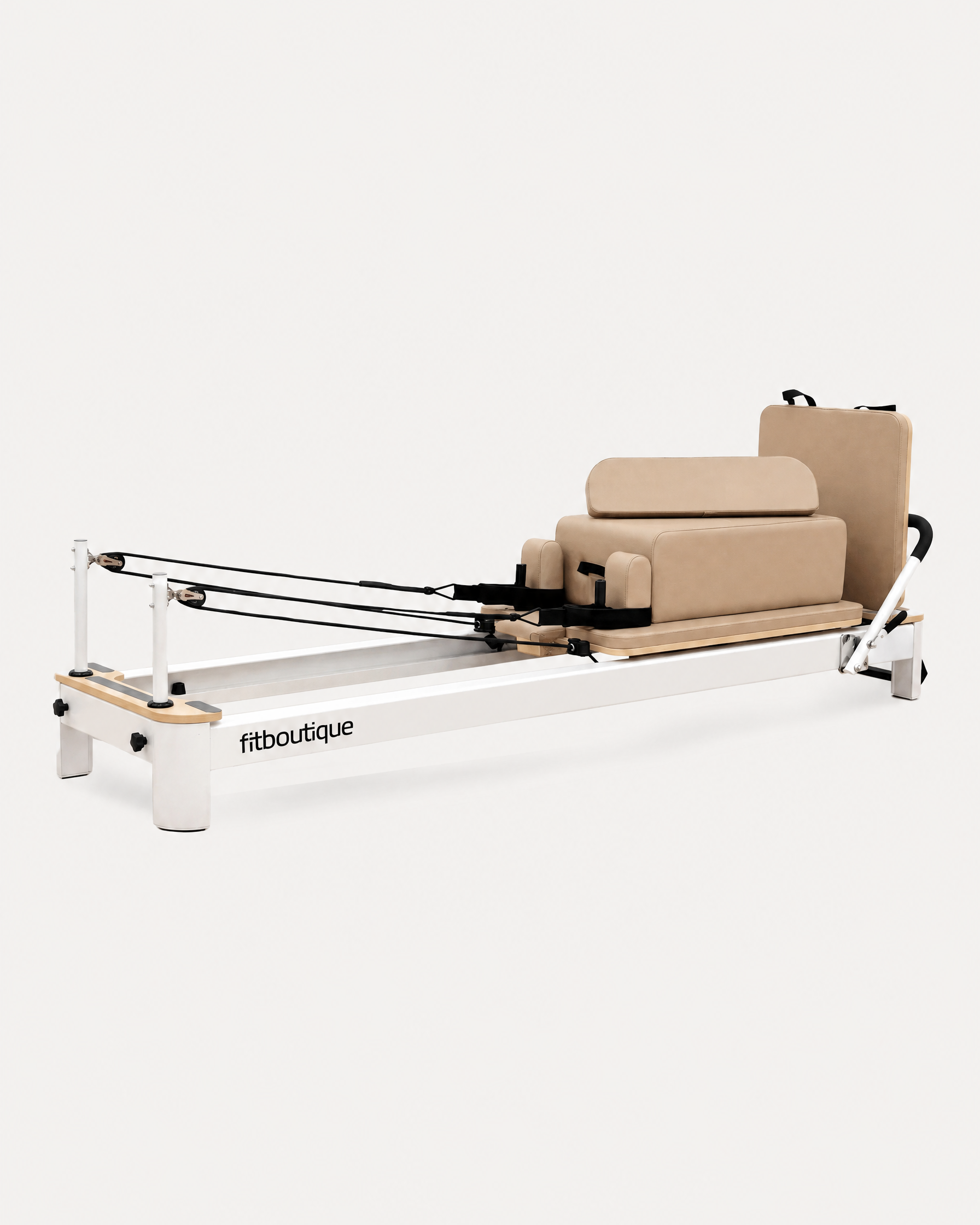
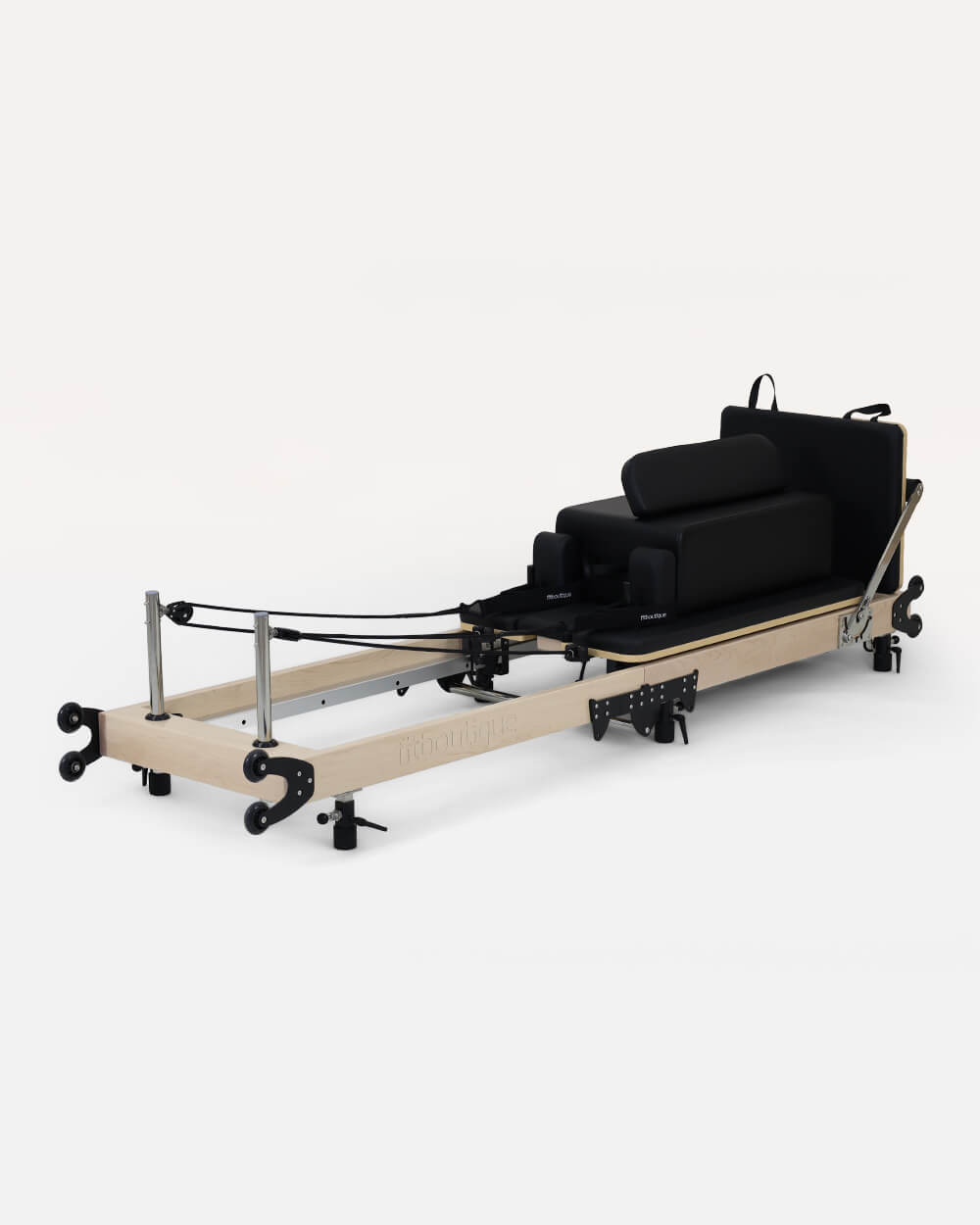
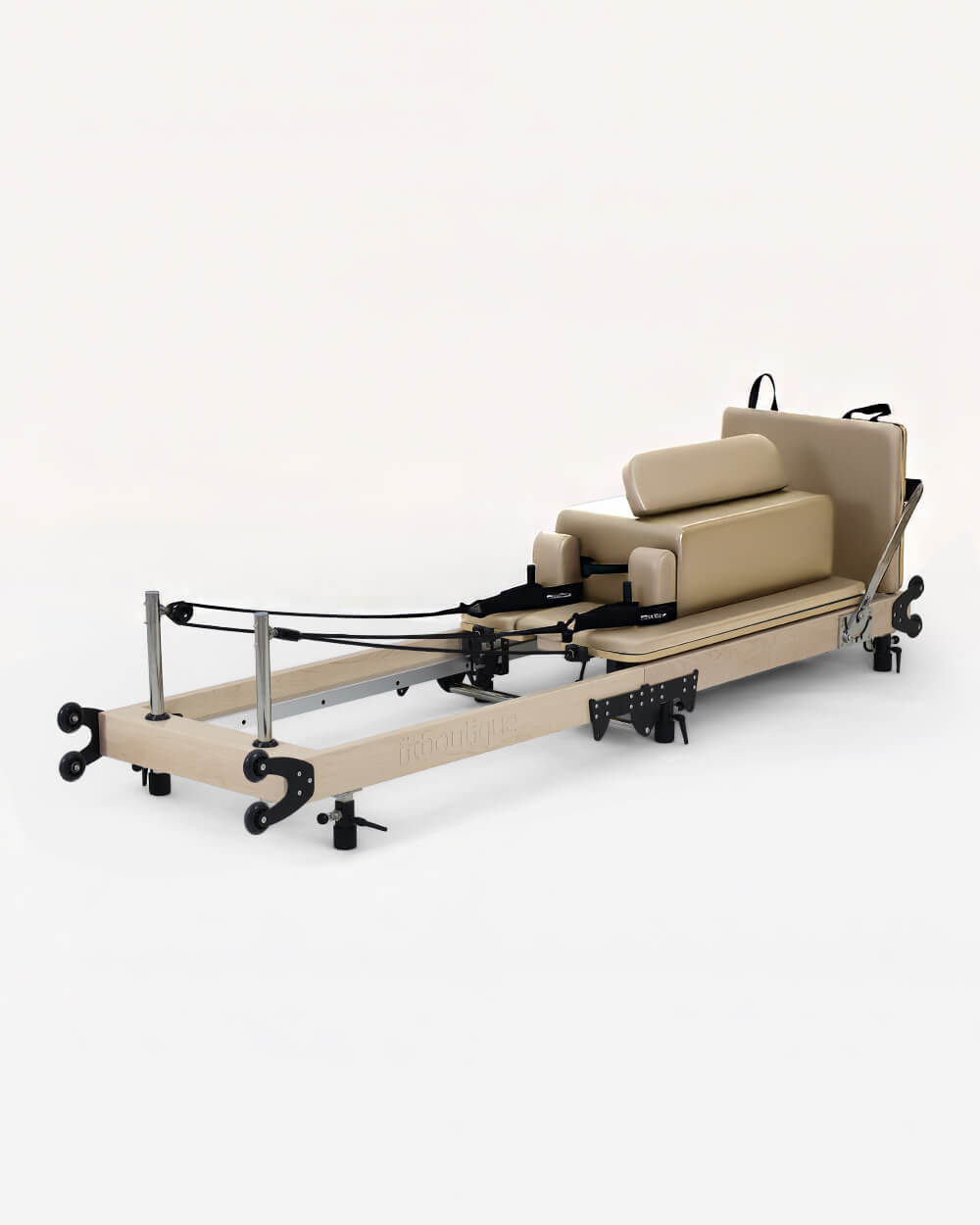
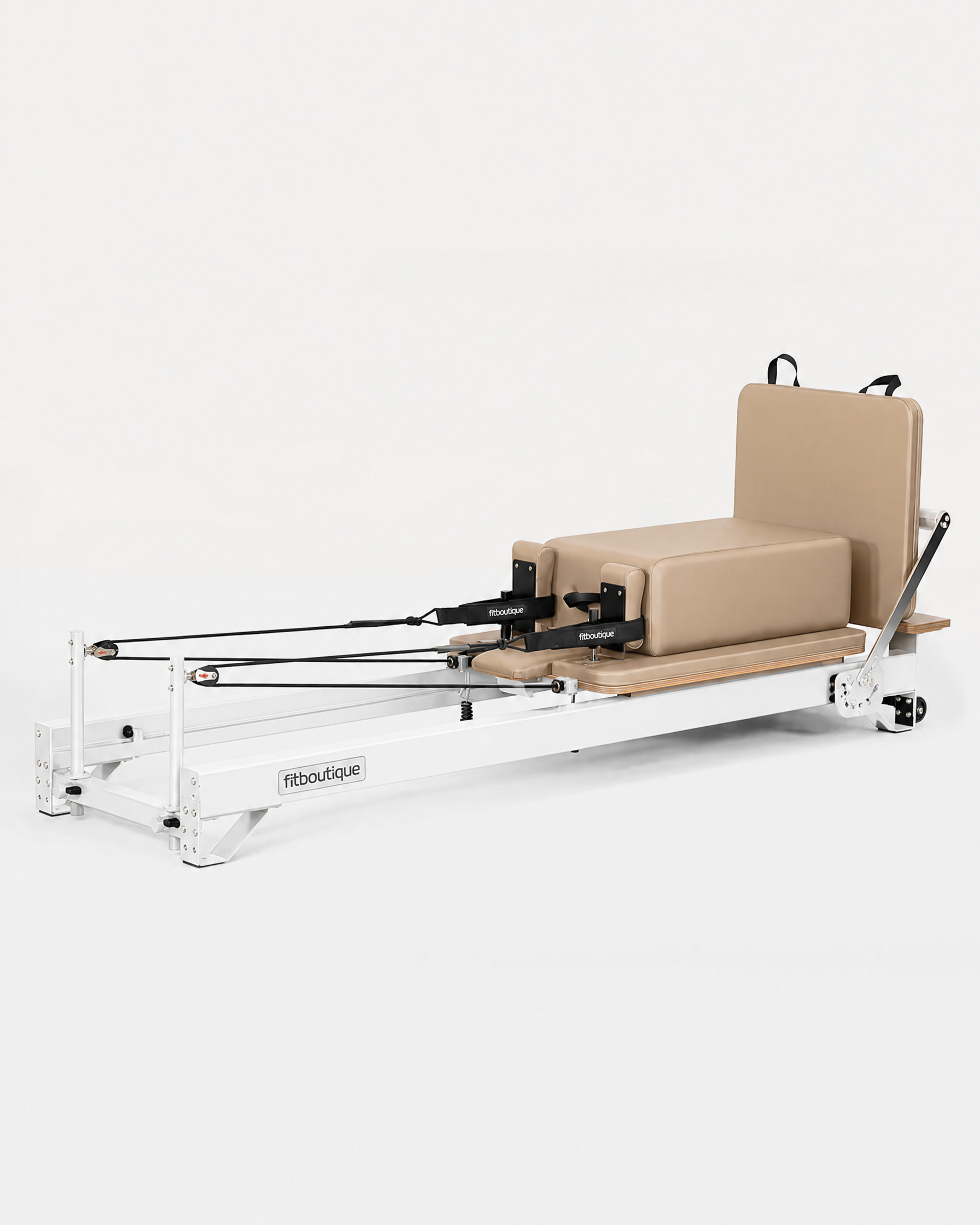
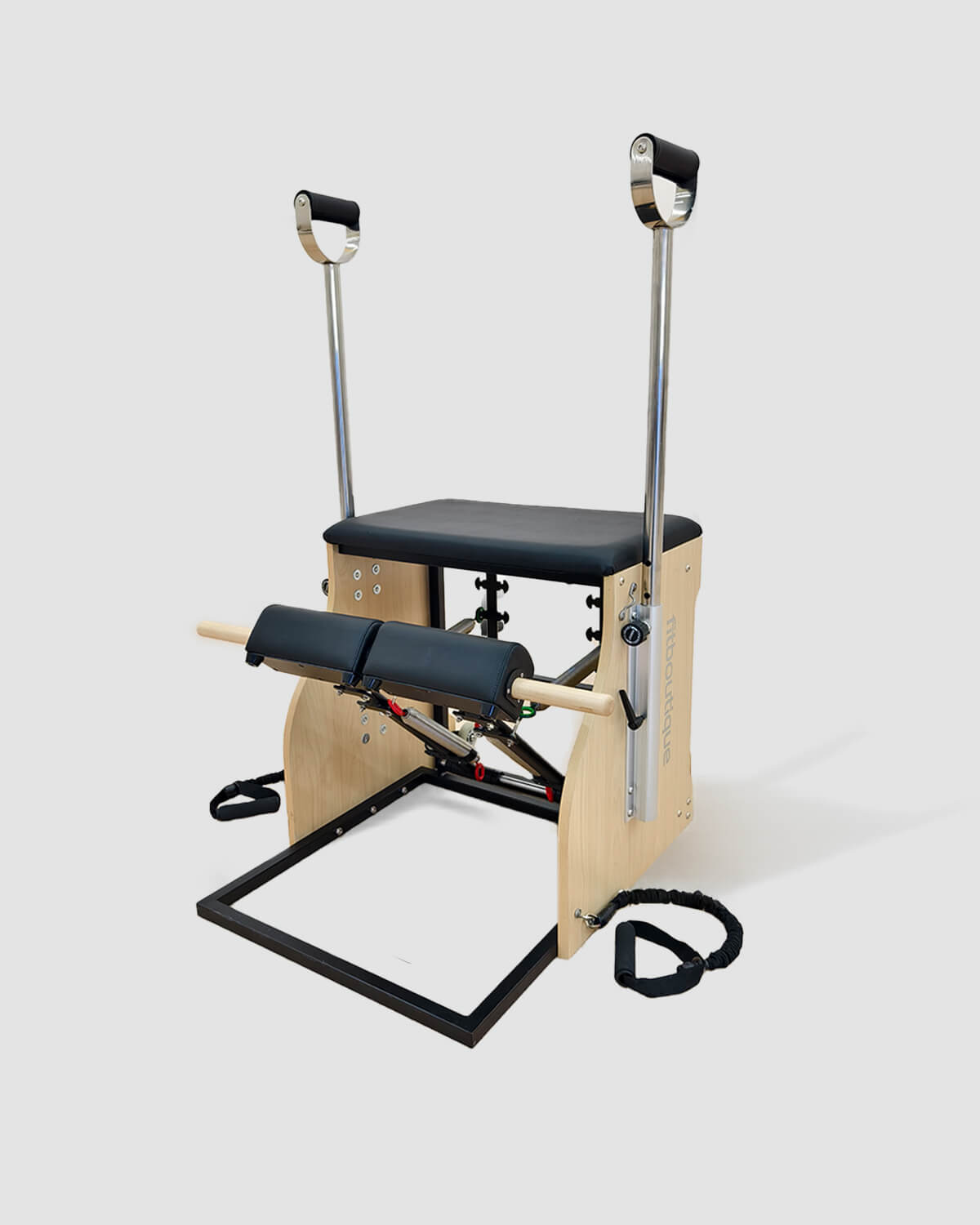
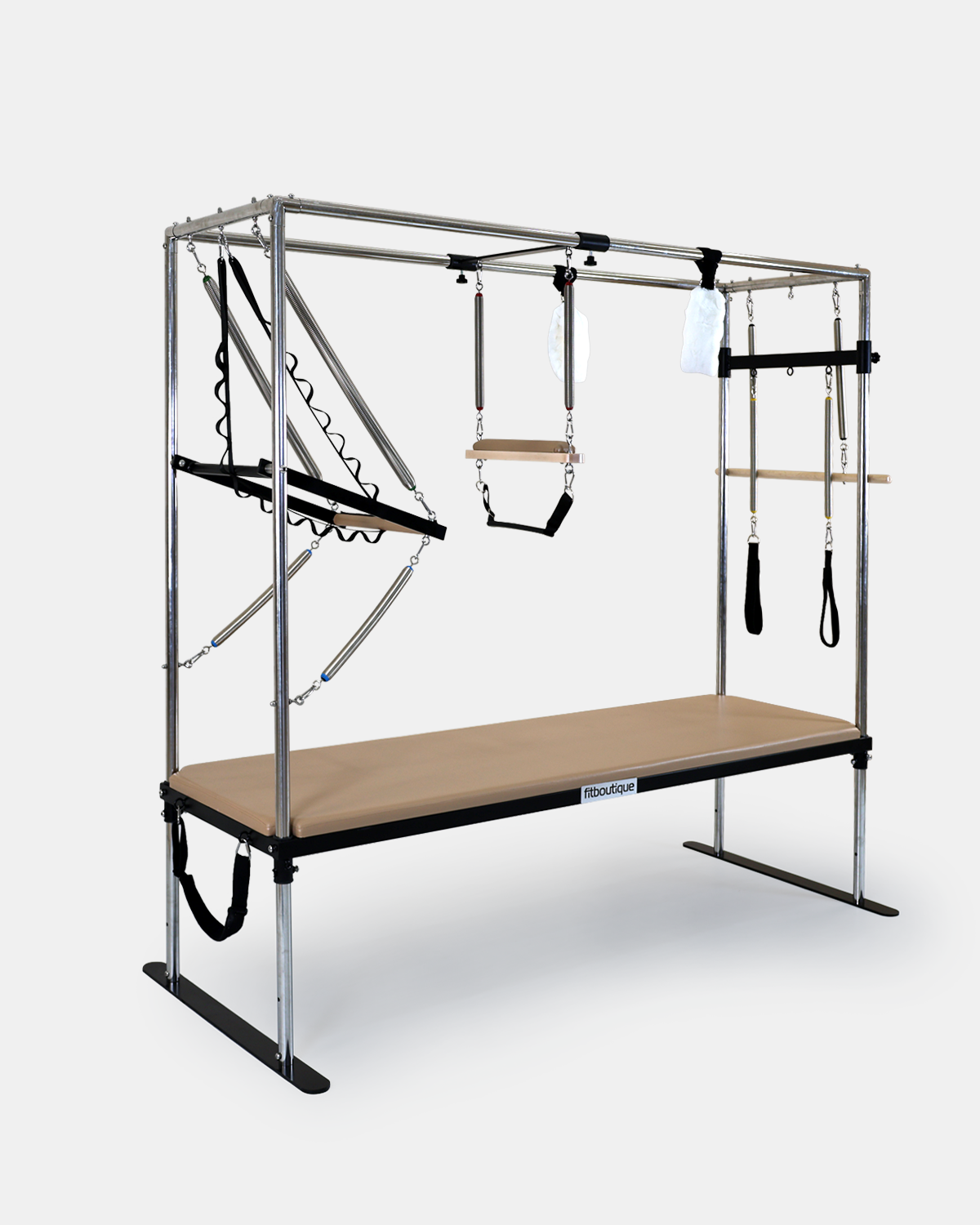
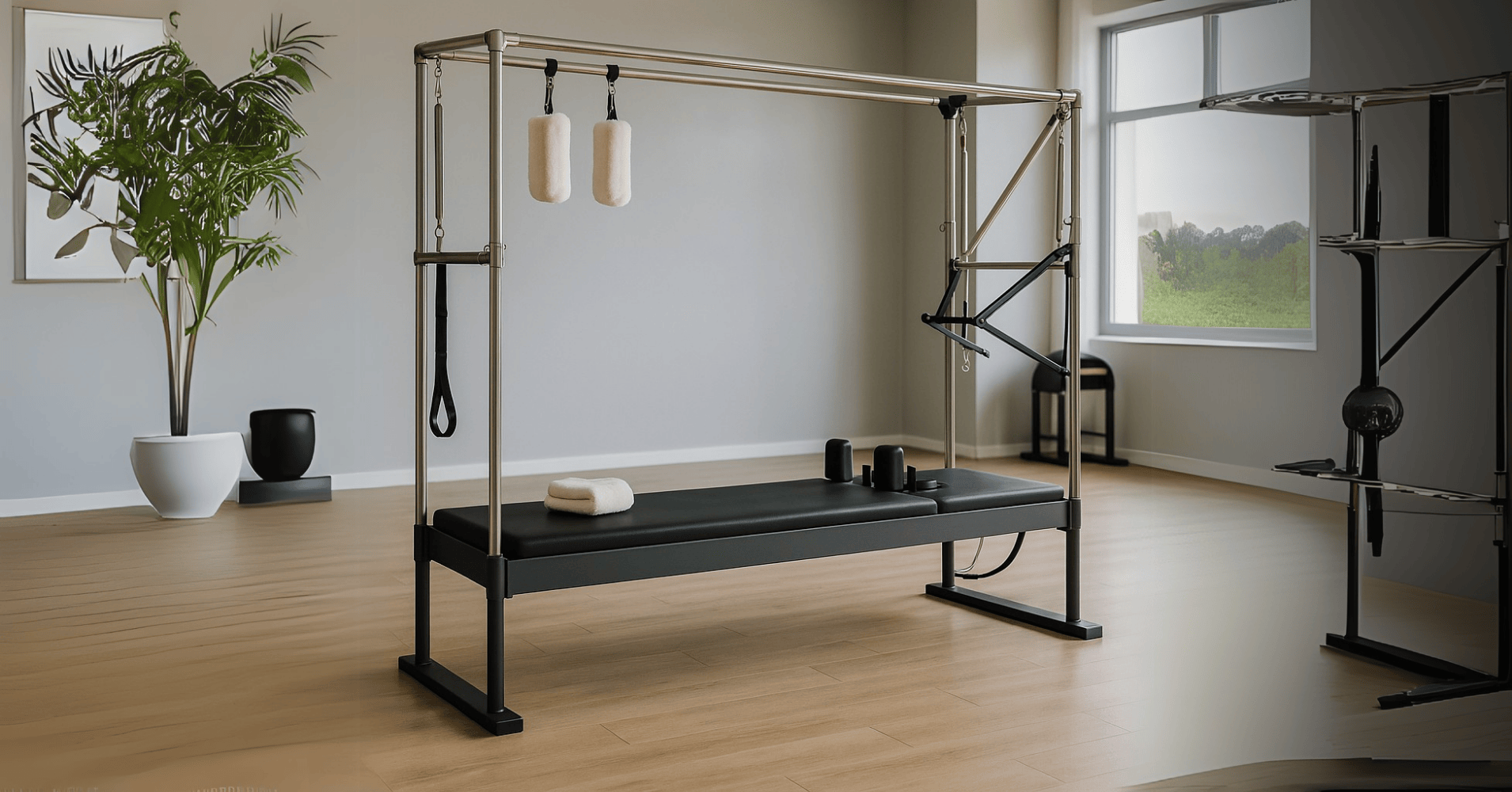
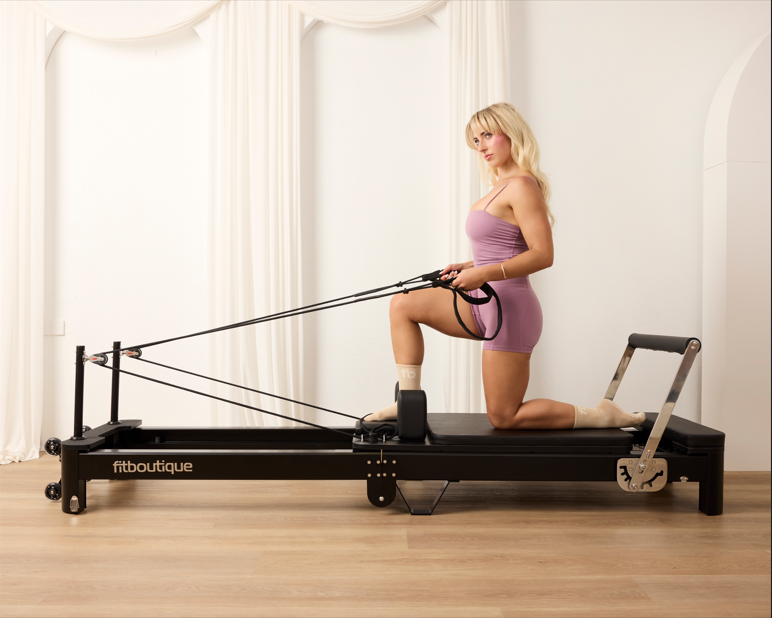
The software runs the business. The machines are what people come for, and if you are fitting out or adding capacity, The Studio Reformer and the Space Black Reformer are the fixed frame machines built for back to back classes. The Cadillac Reformer, Pilates Chair and Mega XL Reformer let you sell a class type your neighbours do not have.
The full commercial range is the place to start, and I have written separately about what actually fills classes and designing the room.
Frequently Asked Questions
What is the best software for a Pilates studio?
It depends on your shape. Acuity Scheduling suits solo instructors and private sessions, Gymdesk suits smaller studios that want something simple running quickly, Momence suits studios that care about retention reporting and marketing, Mindbody suits established multi instructor studios that want the marketplace, and Vagaro suits studios with a retail component.
What should I ask before signing up?
Ask exactly what you can export and in what format, what happens to stored card details if you leave, whether you are on a contract and what notice applies, and what support hours look like from Australia. The export question matters more than any feature, because it determines whether you can ever change your mind.
Do I need studio software if I only teach a few classes a week?
Something, yes, but not much. At a small volume a simple appointment based tool is usually enough and far cheaper than a full studio platform. The point at which it is worth upgrading is when you are managing waitlists, class packs and more than one instructor.
Is the Mindbody marketplace worth it?
It genuinely brings you clients who were not searching for you by name, which is valuable when you are new. The trade is that those clients arrive with a relationship to the platform rather than to you, and they can see your competitors in the same app. Newer studios usually take the trade, established ones often stop wanting it.
How hard is it to switch platforms?
The software part is straightforward. The painful part is that stored card details cannot usually move, so every client has to add a card again, and that is where you lose people. Export everything while you are still a paying customer, move during your quietest period, run both for a fortnight, and tell clients before they find out at the point of booking.
Which platforms support buy now pay later in Australia?
Support varies and changes, so ask directly rather than assuming. It matters more in fitness than most categories because class packs and memberships are exactly the kind of purchase people like to split. Also check payout timing to an Australian bank account and how GST appears on receipts.
Can I run a Pilates studio on a spreadsheet and a calendar?
For a short while, and plenty of studios start that way. What breaks it is not the bookings, it is the class packs. Once you are tracking how many sessions each person has left, a spreadsheet becomes a liability, because a mistake in that column is a conversation with a client about money.
What reporting should I actually be looking at?
Attendance drop off ahead of everything else. Knowing who has not been in for 3 weeks is the highest value thing your software can tell you, since filling a spot in a class you are already running is far cheaper than finding a new client. If a platform hides that report, that tells you something about its priorities.
Fitting Out Or Expanding?
Commercial grade reformers and studio equipment with free delivery Australia wide, spare parts held in Melbourne and a 5 year warranty.
See The Commercial RangeWritten by Ayrah Yuso
I'm part of the FitBoutique team and have a solid passion (and love) for all things exercise related, including Reformer Pilates


















Leave a comment